Software is a set of instrucions that tells a computer how to perform tasks.
It controls hardware and helps users perform different operations.
1. What is Software?
2. Types of Software
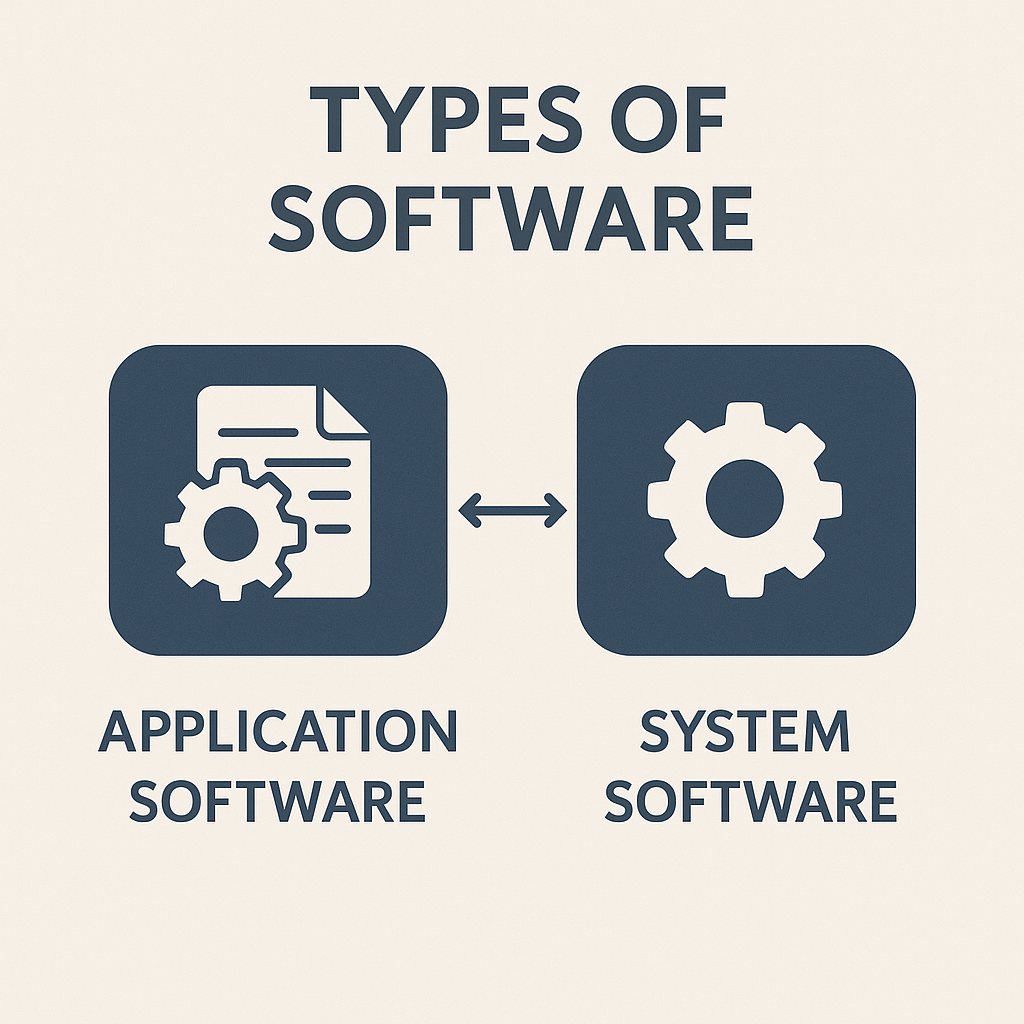
- System Software
- Application Software
- Utility Software
3. System Software
System software manages and control.
- Operating System (os)
- Controls hardware and provides interface to users.
- Examples: Windows, Linux, macOS, Android
- Device Drivers
- Help OS communicate with hardware devices.
- Example: Keyboard Driver, Printer Driver
- Firmware
- Software stored permanently on hardware.
- Example: BIOS
IMPORTANT: OS is system software.
4. Application Software
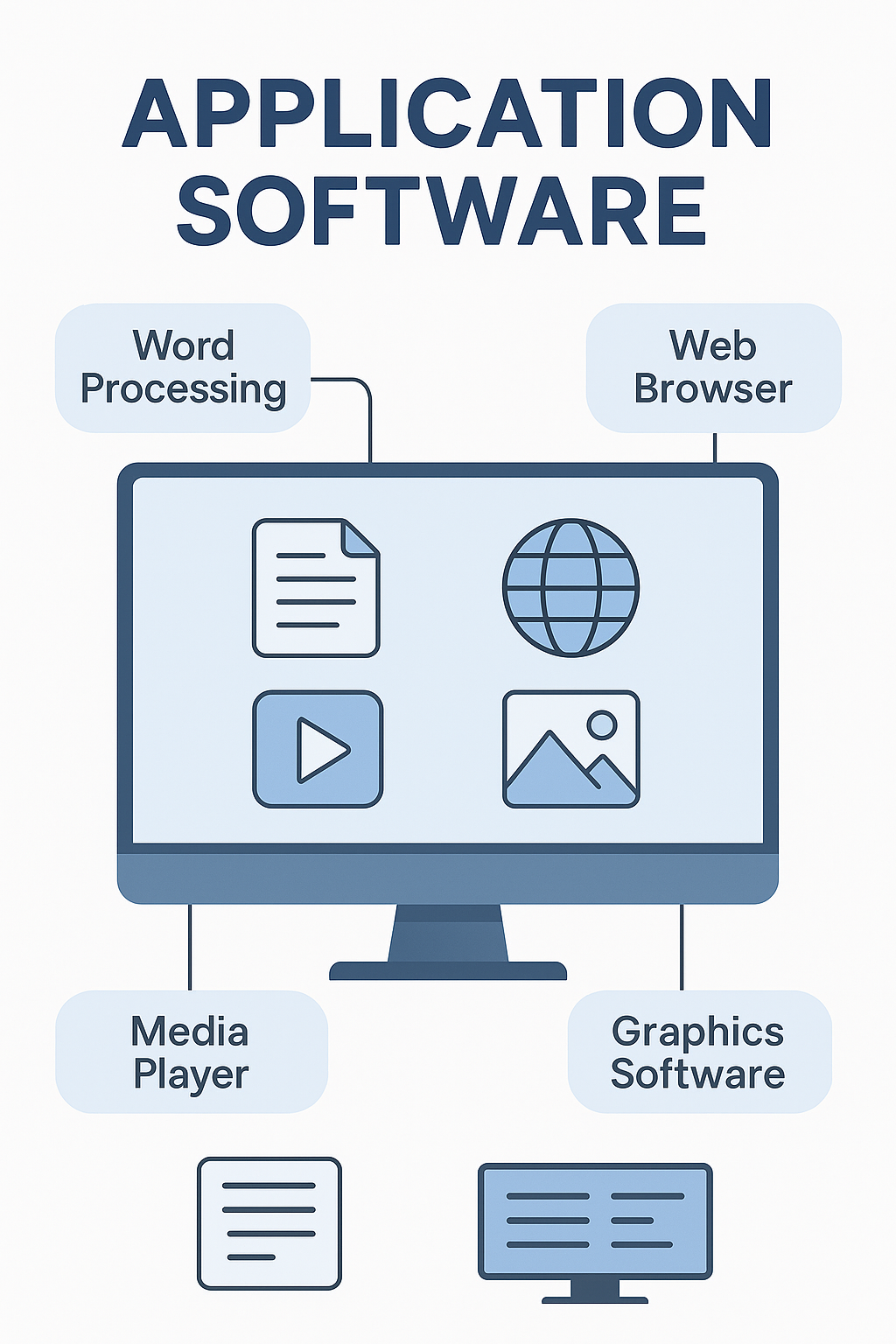
Application software helps users perform specific tasks.
- MS Word - Document creation
- MS Excel - Calculations
- MS PowerPoint - Presentations
- Browsers - Chrome, Firefox
- Media Players - VLC
Exam Tip: MS Office is application software.
5. Utility Software
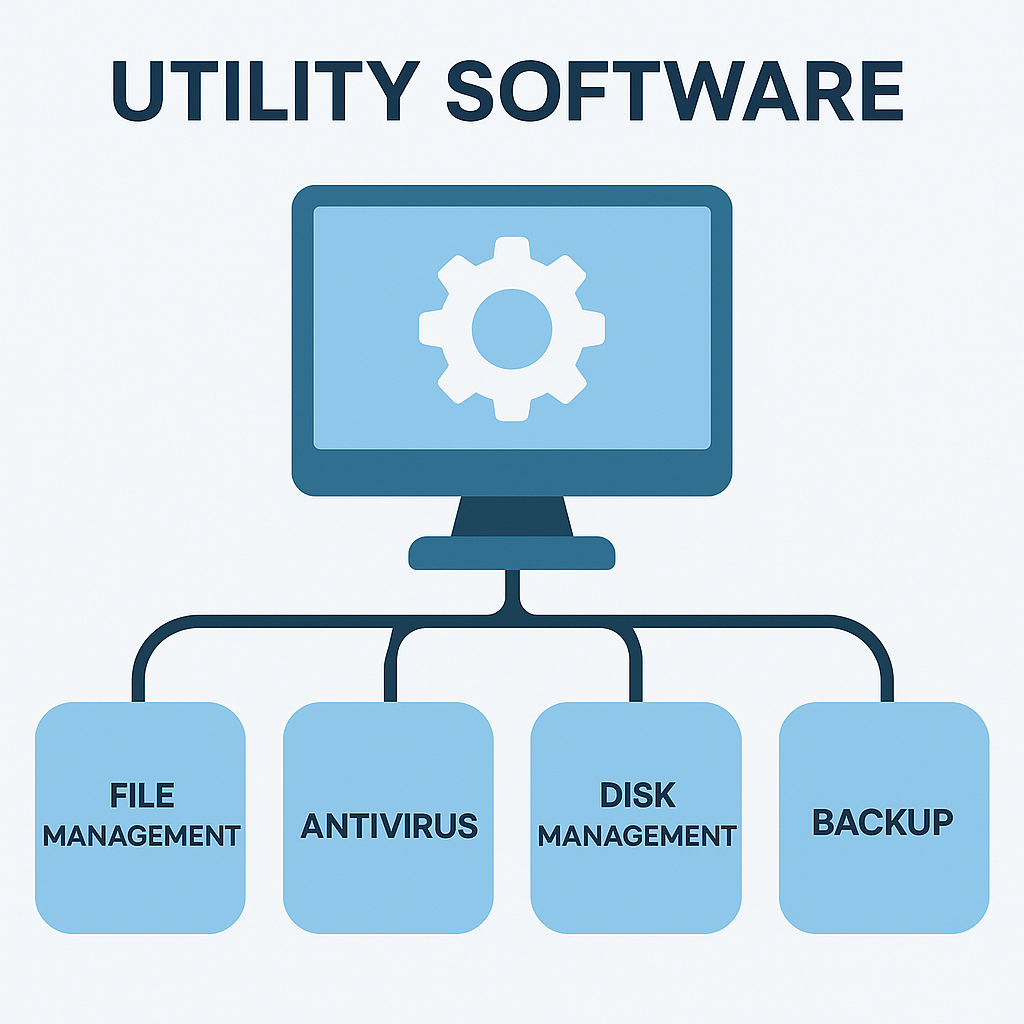
Utility software maintains and protects the computer.
- Antivirus - Protects from viruses
- Firewall - Blocks unauthorized access
- Backup Tool - Saves data copies
- Disk Cleanup - Removes junk files
6. Programming Software
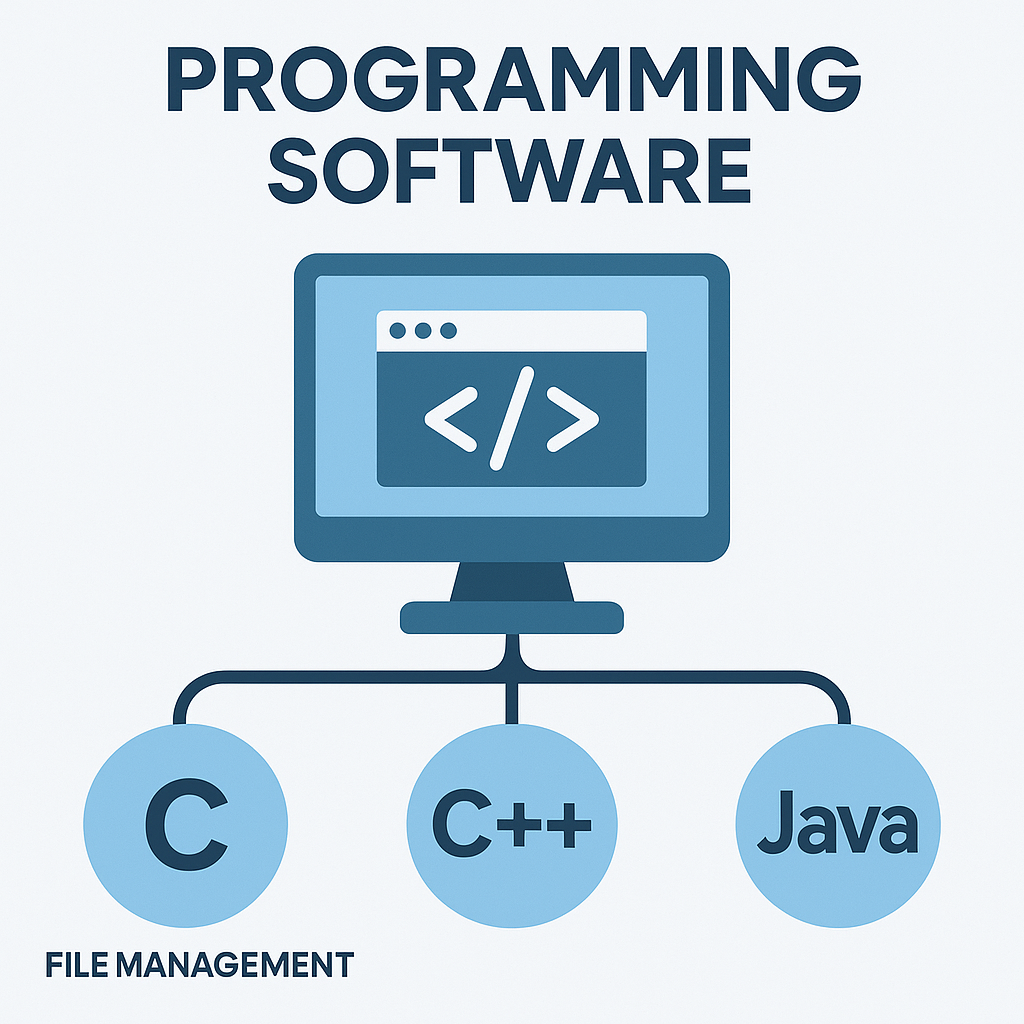
Software used to create other software.
- Compilers (C, C++)
- Interpreters (Pyhton)
- Assemblers
- IDE (VS Code)
7. Software Licensing
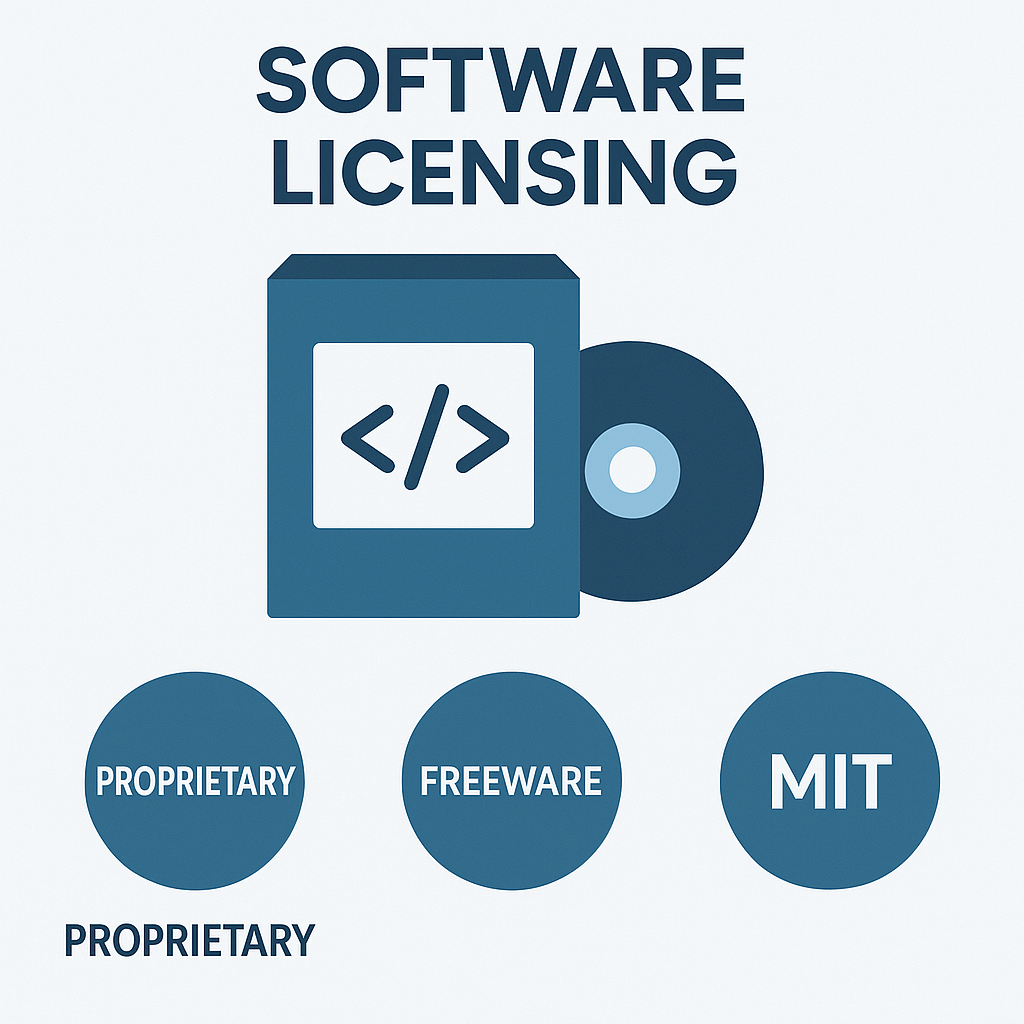
- Open Source
- Free to use, modify and distribute
- Example: Linux
- Proprietary
- Paid and controlled by company.
- Example: Windows
- Freeware
- Free to download but cannot modify.
- Shareware
- Free to downnload but cannot modify.
- Shareware
- Free for limited time.
8. Software vs Hardware
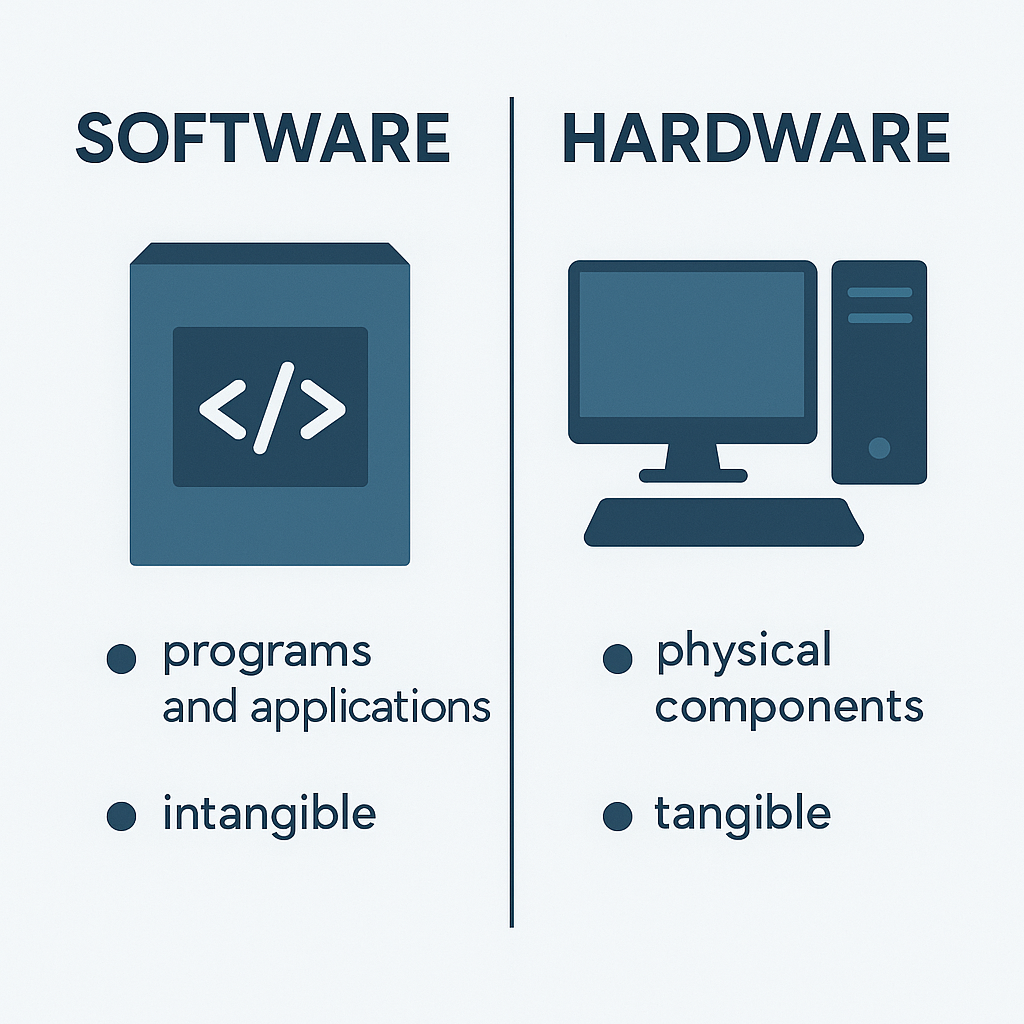
Hardware: Physical Parts (Keyboard, CPU)
Software: Set of instructions (Windows, MS Word)
Exam Question: Is OS hardware or software? → Software
9. Important Exam Q&A
- OS stands for → Operating System
- BIOS belongs to → Firmware
- MS Office is → Application Software
- Linux is → Open-source OS
- Compiler converts → Source code to Machine code
- Antivirus is → Utility Software